Où acheter
Besoin d'un conseil? Nos revendeurs hautement qualifiés seront heureux de répondre à toutes vos questions.
Trouver un revendeur près de chez vous
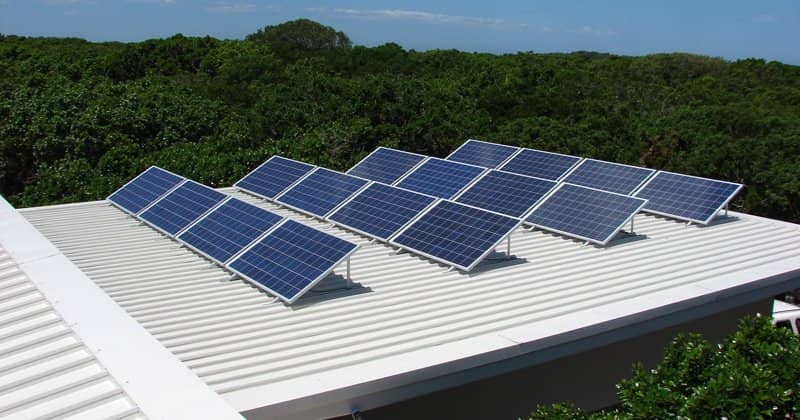
Synchronizing multiple MPPT 150/70 charge controllers
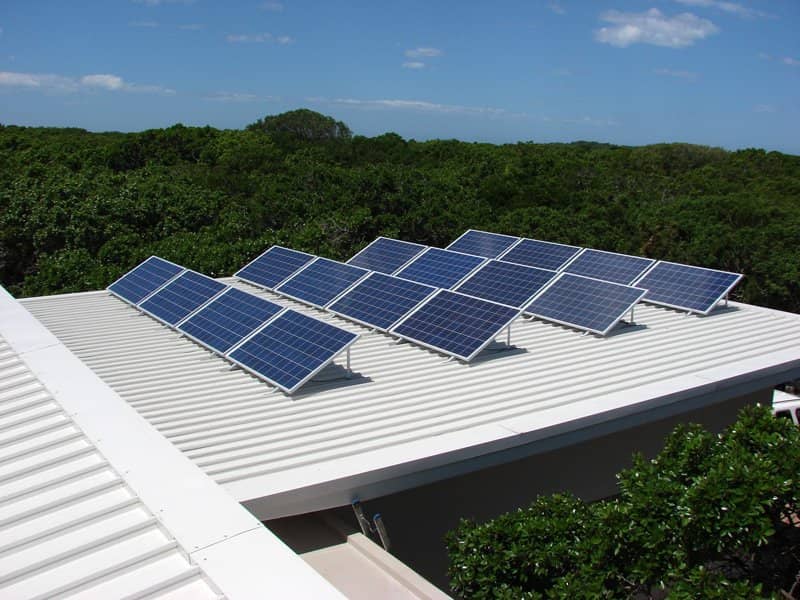
Synchronizing multiple BlueSolar charge controllers MPPT 150/70 is now possible! Synchronizing chargers, also known as paralleling, has several advantages:
First of all make sure that all chargers are running firmware version v2.00 or newer. At the time of writing these post, we are still shipping chargers with older firmware versions. A special USB to VE.Can interface is needed to update the firmware. Contact your distributor or Area manager for this. Also ask for the latest firmware file for the MPPT 150/70. Then see VUP on our software and downloads page for detailed instructions.
After having all of them running the right firmware version, make sure that all charger related settings, such as battery type, absorption voltage and equalise settings are the same on all chargers. Relay configuration does not need to be the same.
Verify that each MPPT is connected to its own PV strings, otherwise it won’t work. Note that having one MPPT tracker for each smaller string is also bring a much better MPP efficiency.
And then do the magic:To check that you have successfully linked them up, look at the network icon in the display:
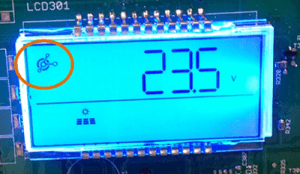
It should be on and blink shortly every couple of seconds. Just being on indicates that there is VE.Can communication. The short blink indicates that it runs in synchronisation with other chargers. In case the icon does not come on, make sure that you have not forgotten the terminators. And make sure to use a high quality and straight RJ-45 utp cable.
In case the icon comes on, but does not start blinking, first verify that the firmware is v2.00 or higher. And if all else fails, check that the device instances are the same on all chargers. The factory default for device instance is always 0. See last section of this post for more information on device instances.
The maximum number of chargers that can be synchronized is 25. Note that this includes other types of chargers in the same group, such as the Skylla-i. And the Multi in case of a Hub-1 configuration.
When working with synchronized chargers, these are the typical error messages:
Error 65: charger disappeared during operationIt is also possible to connect MPPTs together without making them synchronize. This is necessary when chargers are connected to separate battery banks, and also connected together on VE.Can to be monitored on one Color Control GX. This is where the device instance is for. Think of it as a group number. It is a number between 0 and 255, and chargers will form a group and synchronize with other chargers that operate on the same group. The factory default for the group number is 0, which is what makes it is so easy to set this paralleling up. The device instance is in the menu with the name DI.
There is no dedicated master. On power up, the master selection algorithm will appoint a master. This algorithm elects the charger with the newest version of our charge algorithm. In case the master fails, or gets disconnected from the group, another charger will take over the master-role: no interruptions. Error 65 is shown on the displays when this happens, to indicate that there is a problem.
Can I see which one currently has the master role? No, why would you want to do that?I am doing protocol implementation, do I need to communicate to the separate chargers? And how do I do that? Can you provide some more details?
Each charger will have its own network address on VE.Can. To keep things simple for control panels, and also for customers doing protocol integration, we have chosen to have all the combining functions implemented in the master-role. The master communicates with all the slaves, adds all information together, and broadcasts it as NMEA2000 PGNs. The slaves will not broadcast any NMEA2000 PGNs. They are communicating with the master through proprietary VREGs. See the datacommunication whitepaper for more information.
If you have any questions, please post them below.
Besoin d'un conseil? Nos revendeurs hautement qualifiés seront heureux de répondre à toutes vos questions.
Trouver un revendeur près de chez vous
Consultez nos documents de support ou contactez le revendeur original pour une assistance dédiée, une réparation ou une demande de garantie.
Assistance
En savoir plus sur notre garantie standard de 5 ans, leader du secteur, et notre service de réparation mondial.
Garantie


Politique de confidentialité
Préférences de cookies
Utilisation des cookies
Conditions d'utilisation
Mentions légales
©Victron Energy 2026